Fabio Roncal
ABOUT
This is a small case study from a fake ad I created, but the useful part is the workflow behind it. Instead of generating the video shot by shot from scratch, I first created separate visual sheets for the main elements of the film: the character, the vehicle, and the location, then combined them with a timestamped script.
SELECTED FRAMES — 3 OF 8
PROCESS
First, I generated the core assets separately: Character sheet Front, side, back, portrait, outfit details, boots, tattoo, fabric texture. Vehicle sheet Front, side, rear, hero angle, grille, lights, wheels, badge, interior, cargo. Location sheet Wide overview, road curves, terrain, cliffs, dust trail, rocks, ground texture, and atmosphere. After that, I used these sheets as references inside the video generation process. The script was still divided into short timestamped scenes, but the important difference is that every scene was guided by the same visual references. That helped keep the output more coherent and less generic. Why it works AI video can be powerful, but it often drifts. A face changes. A costume mutates. A vehicle becomes slightly different. A location suddenly looks like another place. Reference sheets reduce that problem because they give the model a stronger visual anchor. Instead of describing the world only with words, you show it the world first. This also makes the output feel more designed. The model has clearer limits, but still enough room to surprise you with movement, framing, and unexpected scene ideas. At the same time, the script with time stamps keeps coherence in the shots. That is the real value: more control without killing discovery. How I used it with Seedance 2 Since the generation time is limited (15sec Max), I would not recommend trying to create a full video in one single generation. A better approach is to divide the film into short scenes. Each scene can include multiple coherent shots, as long as they fit the time limit. Extra tip: separate sound effects from music Sound design is very time-consuming, and if you generate everything together, you may end up liking the SFX but hating the music, or the opposite. For this workflow, I would create dedicated SFX prompts for each scene. That separation gives you much more control in the edit. Final takeaway The main lesson is simple: Do not start by generatin
Credits
More Ads Work
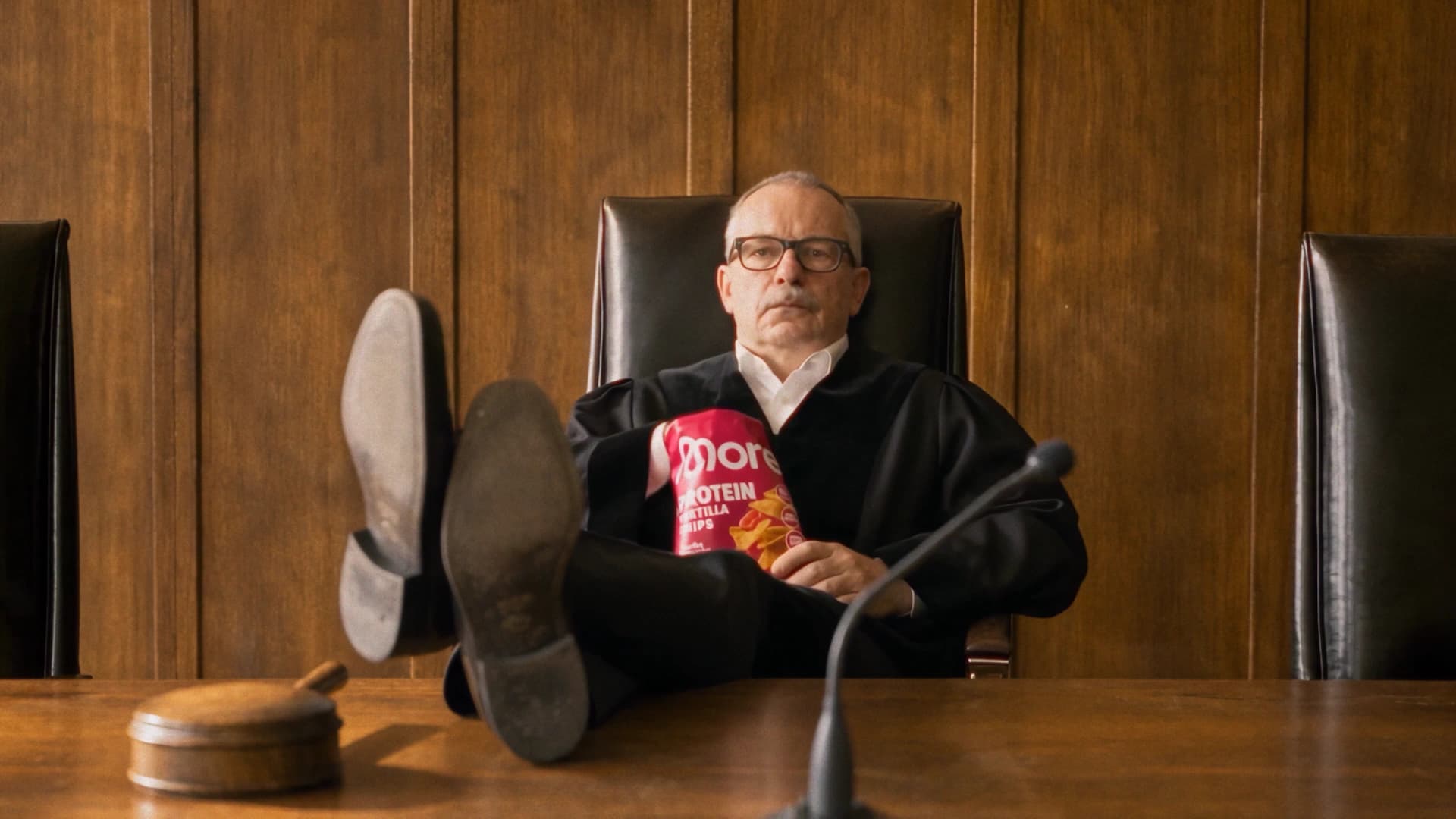
MORE Protein Chips — „Exhibit A" (Spec Ad)
pats
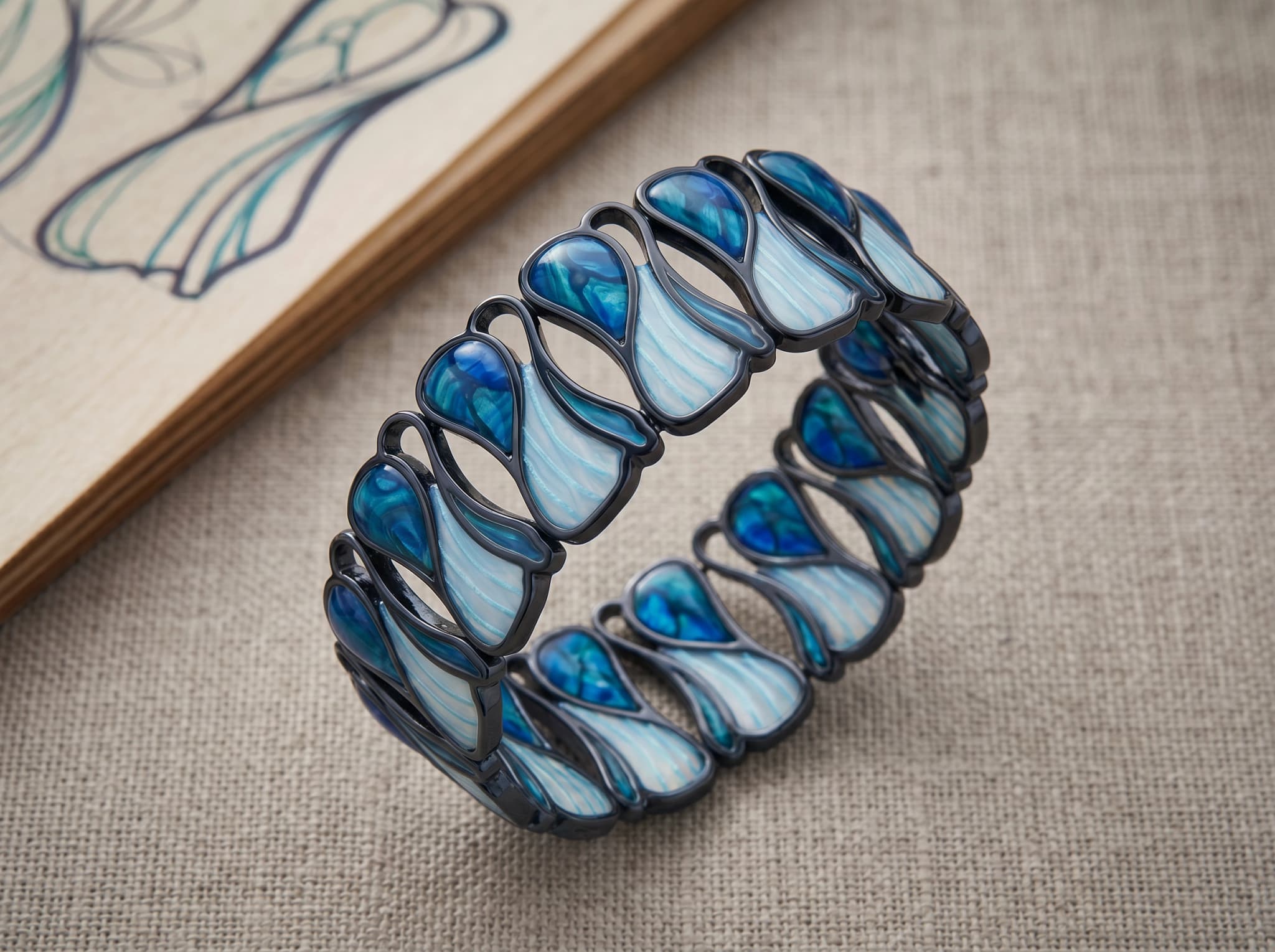
Aqua Terra Bracelet
Matt Menendez

Fly
Miki Durán